Free for 7 days, then one purchase for up to three Macs. No subscription. macOS 13 or later.
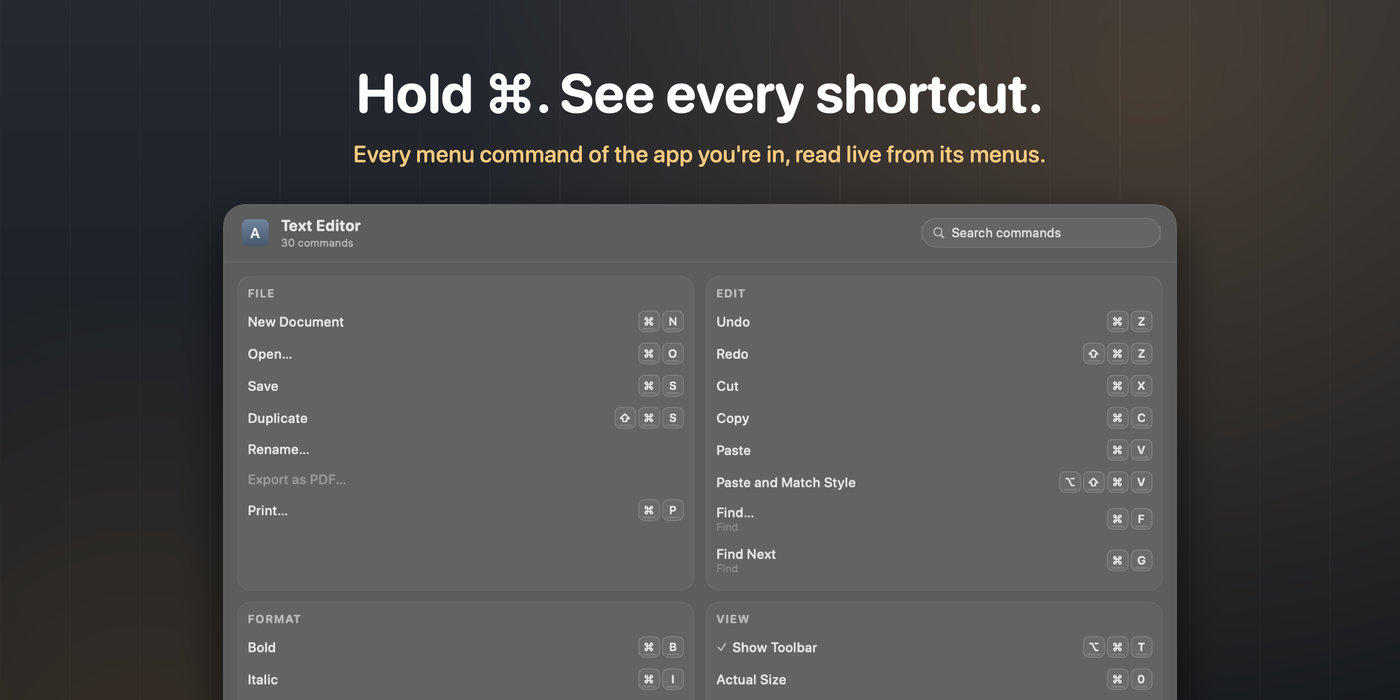
KeyPeek shows you everything the app you're using can do. Hold the Command key for a moment and an overlay appears with every menu command and keyboard shortcut of the frontmost app, read live from its real menus. Glance, learn the shortcut, release the key, and it's gone. No clicks, no setup, and nothing new to memorize: the trigger is a key you already press a hundred times a day.
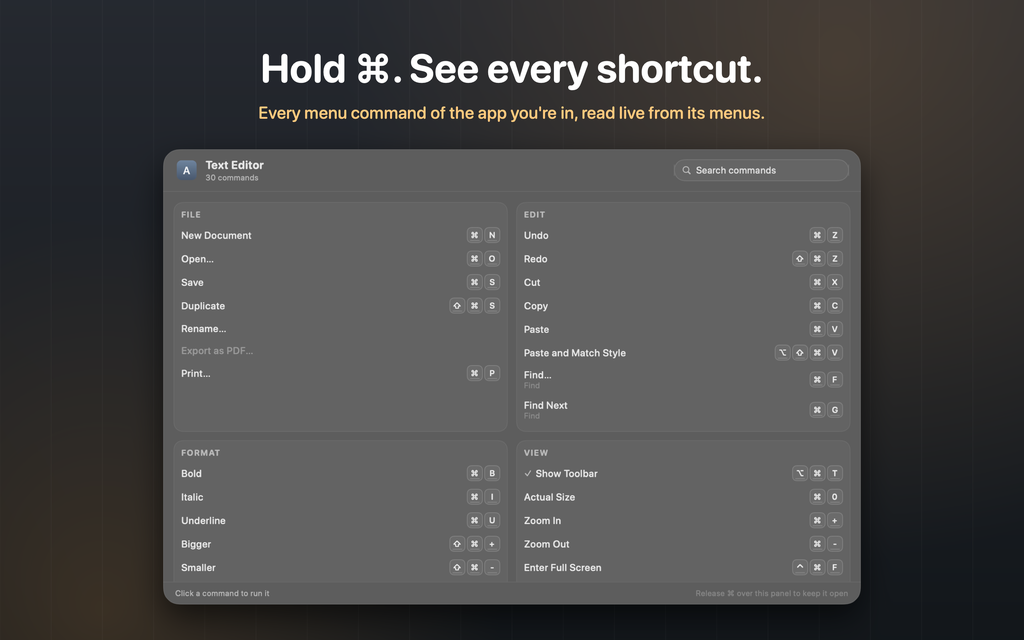
Learn shortcuts where you work: every command, grouped the way the app's menus are, drawn as keycaps
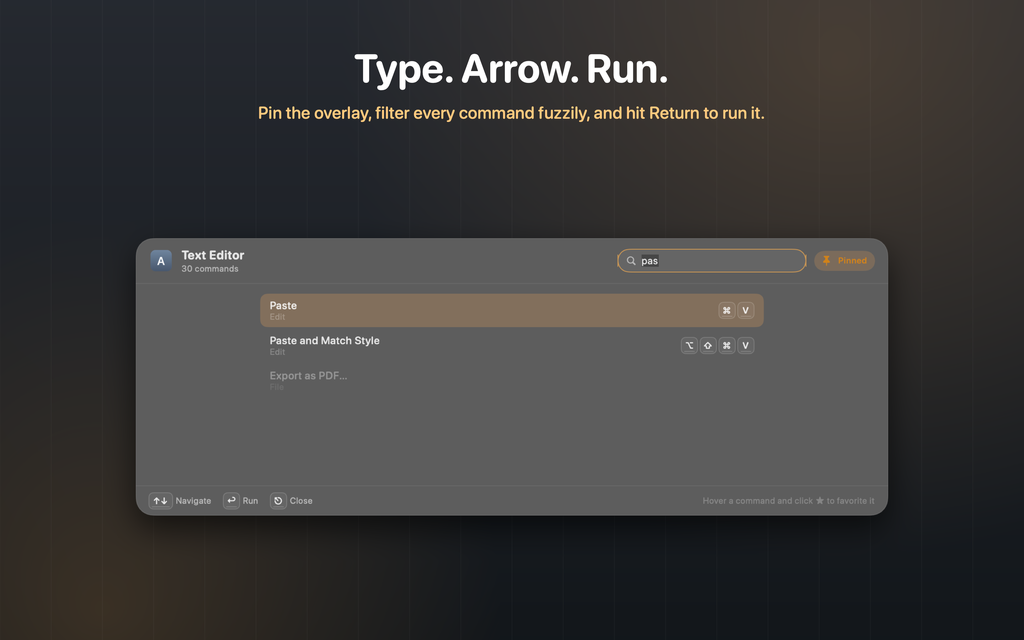
A command palette for every app: release over the panel, type a few letters, press Return to run it
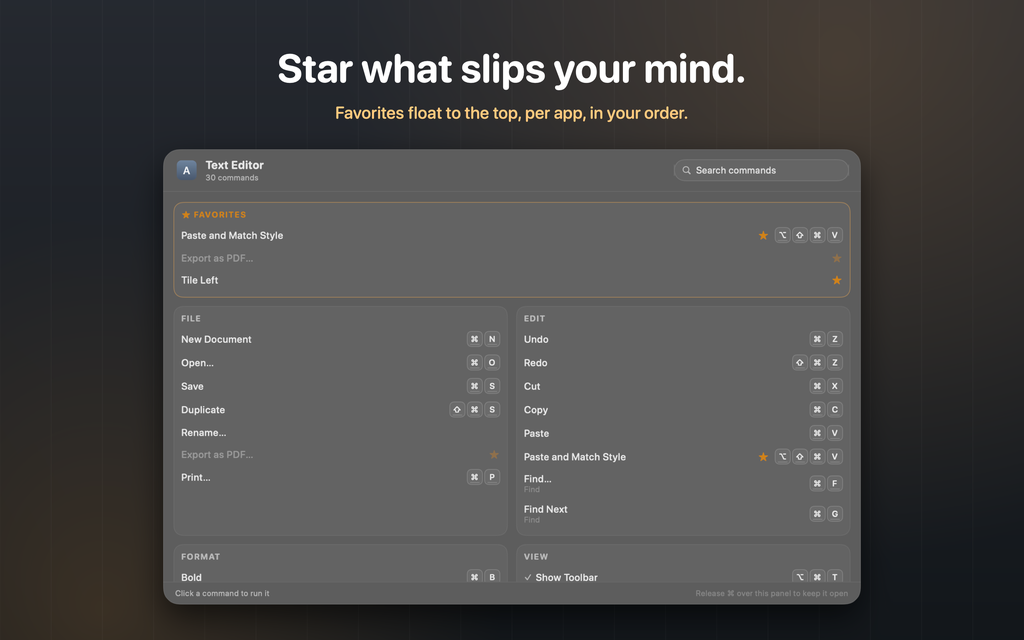
Star what slips your mind and it floats to the top for that app
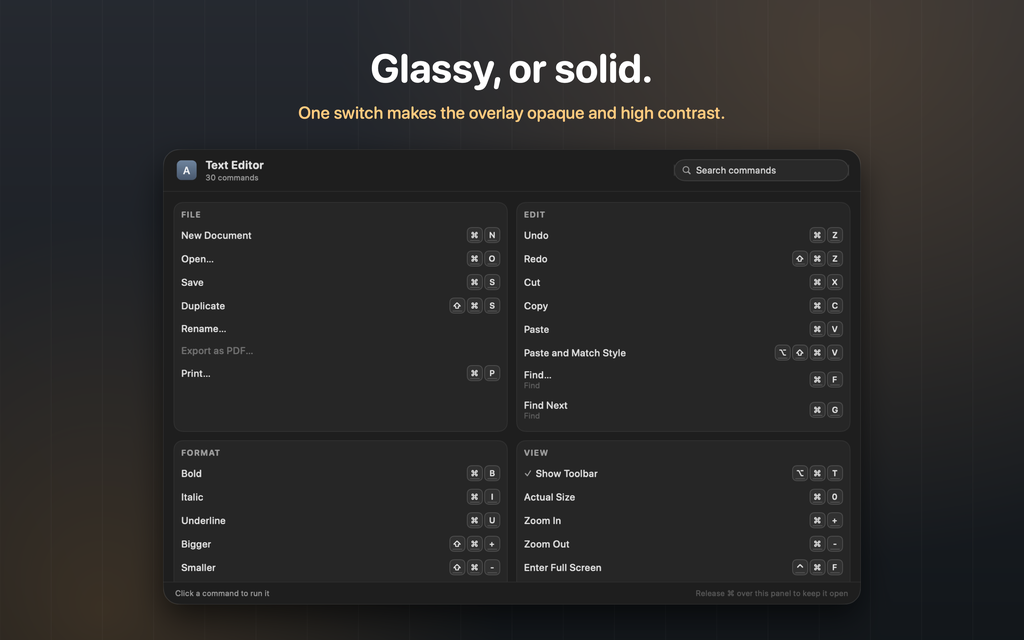
Glassy or solid, your hold key, your delay: make it yours
Private by design
No account, no analytics, and no network unless you click Check for Updates. KeyPeek asks for exactly one permission, Accessibility, and uses it for exactly two things: reading the front app's menu bar and running the command you pick. Nothing is stored or sent anywhere.
Why it isn't on the Mac App Store
Reading another app's menus needs the Accessibility API, which Apple does not allow inside the App Store sandbox. So KeyPeek is sold directly: a notarized download, a 7-day free trial, and a $7.99 license key that verifies on your Mac and works offline, forever.
More from Alec
If you present from your Mac, Pro Mouse highlights where you point and Pro Stage keeps you on screen. And coming soon: Pro Markdown Viewer, a fast, native reader for markdown files. And now on the App Store: Screenjack, which turns your Mac or iPad into a monitor for anything with HDMI out.
Full feature tour, help, and license retrieval at keypeek.app.
Free for 7 days, then one purchase for up to three Macs. No subscription. macOS 13 or later.