
One app for Mac and iPad. Nothing recorded, no network. macOS 14 or iPadOS 17 or later.
Screenjack turns your Mac or iPad into a monitor for anything with HDMI out. Plug an inexpensive HDMI-to-USB capture device into your Mac or a USB-C iPad, plug your console, camera or board into that, and Screenjack shows the picture full screen with sound, with the lowest latency the hardware allows. It is a monitor and nothing else: no recording, no snapshots, no filters, no streaming, no accounts, no network.
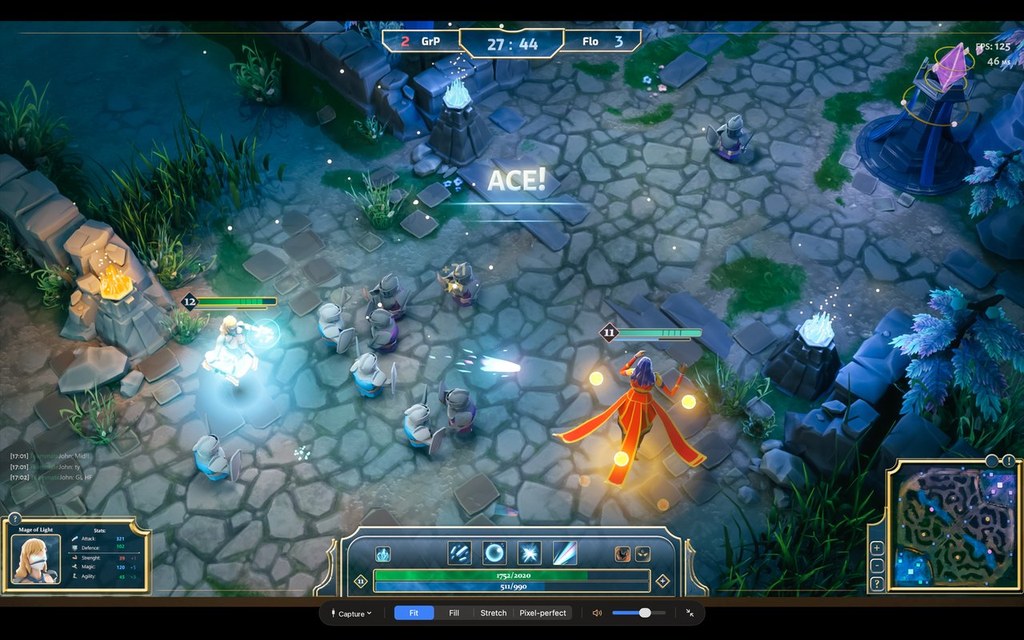
Play a console or a docked handheld on your Mac, full screen, with sound
Fit, Fill, Stretch or Pixel-perfect scaling: whole-number scaling with no smoothing, made for retro consoles and low-resolution boards. Frames are drawn as they arrive and late frames are dropped, never queued.
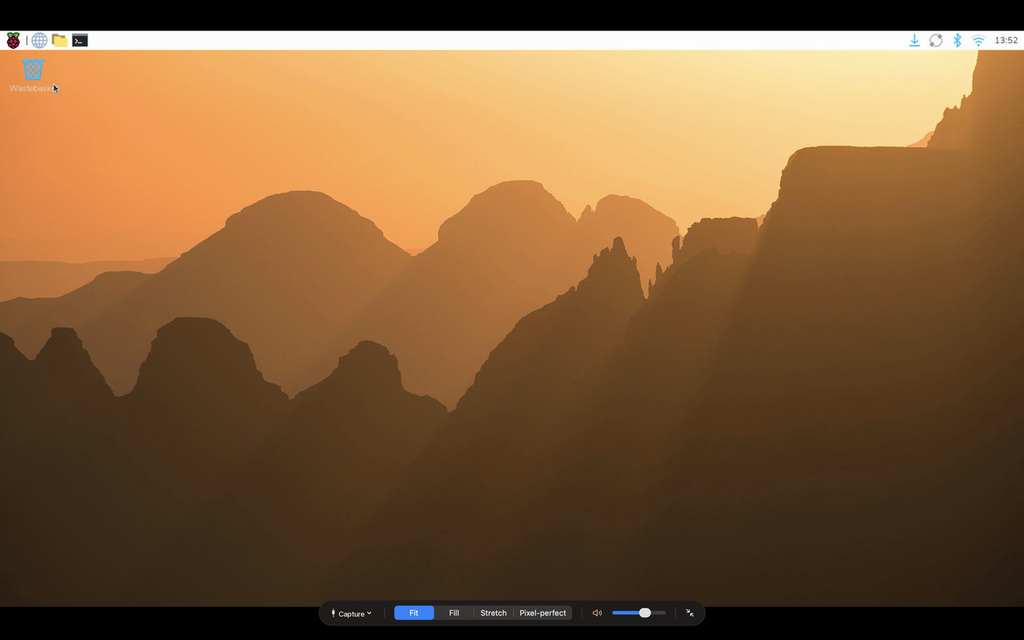
Controls that appear when you need them and fade on their own
Device, aspect mode, volume and full screen. Your last device reconnects by itself, and unplugging shows a clear message instead of a frozen frame.
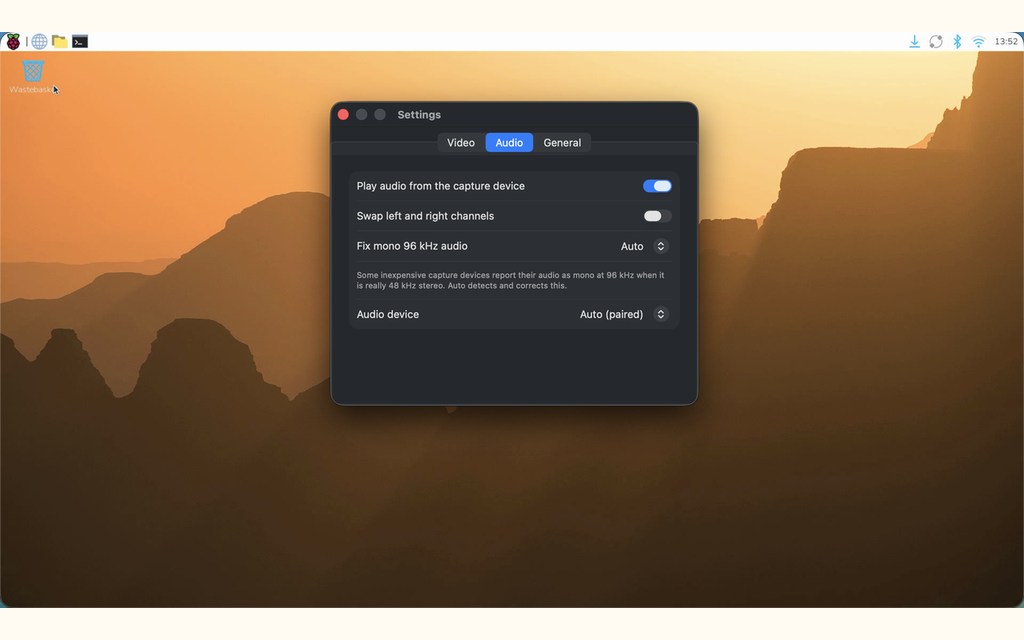
Audio that just works, straight through with a small buffer
Inexpensive USB 2.0 sticks that report the wrong format are fixed automatically, and you can swap left and right by hand.
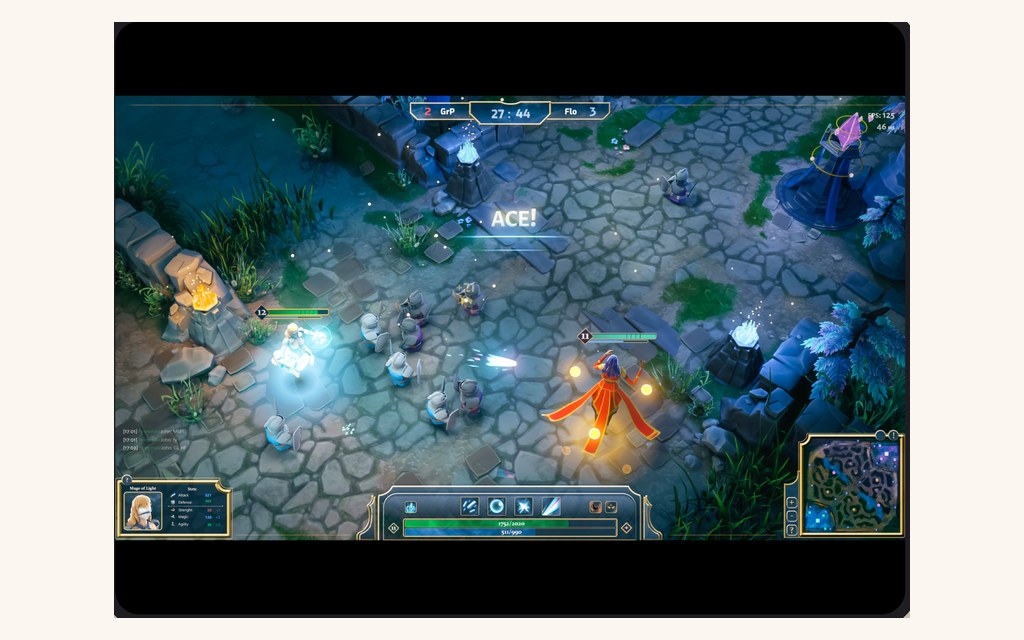
The same app on a USB-C iPad
iPadOS 17 or later. The controls are by touch instead of the keyboard, and the picture is always full screen. Everything else, including the aspect modes and audio, works the same way.
What you need
A source with HDMI out (a game console, a docked handheld, a single-board computer, a laptop, a camera or a mini PC), an HDMI cable, and an HDMI-to-USB capture device: a small adapter with HDMI in and USB out, sold everywhere for not much. Any model your Mac or iPad sees as a camera works, up to 1080p at 60 fps with a USB 3.0 device. Then a Mac on macOS 14 or later, or a USB-C iPad on iPadOS 17 or later. A built-in test pattern lets you explore the app before your capture device arrives.
Copy-protected sources (HDCP) show a black picture. Game consoles usually let you turn that off in their video settings; streaming boxes and protected video apps generally do not.
Private by design
macOS and iPadOS treat a capture device as a camera and its audio as a microphone, so Screenjack asks for exactly those two permissions, each at the moment it needs it. Frames are drawn and discarded, audio is played and discarded, and the app has no network access. The whole policy fits on one page: read the Screenjack privacy policy.
More from Alec
If you present from your Mac, Pro Mouse highlights where you point and Pro Stage keeps you on screen. KeyPeek shows every keyboard shortcut of the app you're in, and Pro Markdown Viewer turns markdown files into clean, readable documents.
One app for Mac and iPad. Nothing recorded, no network. macOS 14 or iPadOS 17 or later.